Published in Marketing
Click-to-WhatsApp free window: up to 7 days of free messages after an ad

By Lyle Timotheus · 8 min read
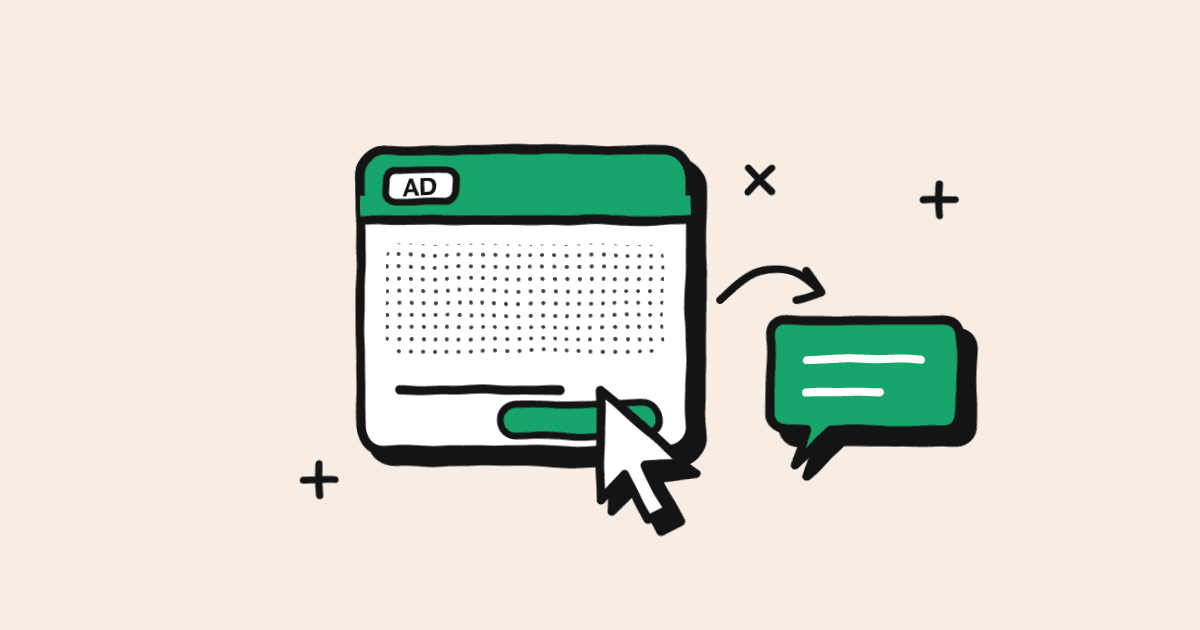
Here's the rule in one line: when a customer messages you from a Click-to-WhatsApp ad on their phone and you reply within 24 hours, Meta doesn't charge for any message you send that person for up to 7 days, counted from your reply.
That rule matters more since 1 October 2026. Meta now charges for service replies beyond 1,000 a month per number, and for utility templates even when the customer has just messaged you. The free window after an ad is one of the few places left where every message, templates included, costs nothing.
It also runs alongside a separate 24-hour timer that decides what you're allowed to send, and the two are easy to mix up. This guide explains both, what qualifies, what a real conversation looks like day by day, what the window is worth at volume, and how to set up your team so you don't lose it.
What changed in WhatsApp pricing in 2026
Since 1 July 2025 Meta has charged per delivered message, based on the message category and the customer's country. On 1 October 2026 two things that used to be free started costing money, according to Meta's pricing documentation:
- Service replies: the free-form messages your team sends when a customer has messaged you. Each business phone number gets 1,000 free a month, the allowance resets monthly and doesn't roll over, and Meta charges from the 1,001st.
- Utility templates inside the 24-hour window: order updates, booking confirmations and reminders were free if the customer had messaged you in the last 24 hours. Now every utility template is charged.
The free entry point window after a Click-to-WhatsApp ad wasn't touched by either change. For a team that runs ads at volume, that makes it the most valuable exception in Meta's pricing. Our WhatsApp API pricing guide has the full South African rate card and the rest of the October changes.
Two timers: the 24-hour window and the free window
When a customer messages you from an ad, two separate timers matter. Most confusion about "free messages" comes from treating them as one.
The 24-hour customer service window decides what you can send. It opens when the customer messages you and resets to 24 hours every time they message again. While it's open, your team can reply with free-form messages. Once it closes, you can only send templates, and you have to wait for the customer to reply before free-form messages are allowed again.
The free entry point window decides whether Meta charges you. It opens when you reply to a customer who came from a Click-to-WhatsApp ad, as long as you reply inside that first 24-hour window. Your first reply isn't charged and the free window starts from the moment you send it. It can stay open for up to 7 days, and while it's open Meta doesn't charge for marketing, utility, authentication or service messages to that person.
| 24-hour customer service window | Free entry point window | |
|---|---|---|
| What opens it | Any message from the customer | Your reply, within 24 hours, to a customer who came from a Click-to-WhatsApp ad |
| How long it lasts | 24 hours | Up to 7 days from your reply |
| Does it reset? | Yes, every time the customer messages | No |
| What it controls | Whether you can send free-form messages or only templates | Whether Meta charges for the messages you send |
So the free window doesn't let you ignore the 24-hour rule. On day 3, if the customer hasn't written since day 1, you can only reach them with a template. The difference is that the template is free.
What qualifies, and what doesn't
- The customer has to start the chat from the ad on their phone. Meta only opens the window when the customer uses the WhatsApp app on Android or iOS. Chats started on WhatsApp Web or the desktop app don't qualify.
- You have to reply within 24 hours. If the first reply goes out after the customer service window has closed, the free window never opens and normal rates apply.
- The window belongs to your business and that customer. Meta tracks it per business and customer pair, so it doesn't matter which agent replies from your number. If your business has more than one Messaging account, the account that paid for the ad doesn't get exclusive use of the window.
- Meta Business Agent is still charged. If you use Meta's own AI agent, Meta charges for its messages inside the window too. Messages your own team or platform sends are covered.
- It's up to 7 days, not exactly 7. Meta describes 7 days as the maximum. Plan your follow-ups for the first few days rather than counting on day 7.
You'll still see 72 hours quoted in older articles. That was the length of a free entry point conversation under Meta's old conversation-based pricing, which ended on 1 July 2025.
A day-by-day example
A car dealership group with branches in Johannesburg, Pretoria and Durban runs a Facebook and Instagram ad for a new SUV, with a button that opens WhatsApp. Thandi sees the ad on her phone on a Tuesday evening and taps it.
| When | What happens | 24-hour window | Meta charge |
|---|---|---|---|
| Day 1, 19:40 | Thandi sends the prefilled message: "Hi, I'd like the price of the new SUV." | Opens | Free (customers' messages always are) |
| Day 1, 19:41 | An automated flow replies with the trims and asks which branch is closest. The free window opens with this reply. | Open | Free |
| Day 1, 19:50 | She picks Pretoria. The AI agent sends prices and a brochure, and offers a test drive. | Open | Free |
| Day 2, 09:00 | A Pretoria salesperson picks up the chat and sends a quote. She doesn't reply. | Open (closes 19:50) | Free |
| Day 3, 10:00 | More than 24 hours have passed since her last message, so the salesperson sends a template: "Would Saturday morning suit you for a test drive?" | Closed | Free, because the free window is still open |
| Day 3, 12:15 | Thandi replies and books Saturday at 09:00. The salesperson confirms by free-form message. | Reopens | Free |
| Day 5, 17:00 | A reminder template goes out for Saturday's test drive. | Closed | Free, if the window is still open |
| After the window closes | Any further messages follow normal rules. | Depends on her messages | Normal rates: templates charged by category, service replies from the 1,000 monthly allowance, then charged |
The whole route from ad to booked test drive fits inside the free window: first reply, quote, follow-up, booking and reminder. If the dealership had answered on Wednesday afternoon instead of Tuesday evening, it would still have replied within 24 hours. If it had answered on Thursday, the free window would never have opened, and the day 3 and day 5 templates would have been charged.
What the window is worth at volume
One conversation saves cents. A busy campaign saves real money. An illustration at Meta's South African list rates from 1 October 2026, using R18 to the dollar, not a benchmark:
Say your ads bring in 3,000 chats in a month. Each one gets about 10 service replies from your team, one marketing follow-up and one utility reminder. If all of those messages were sent outside a free window, this is what they'd cost:
| Messages | Charged | USD | At R18/US$ |
|---|---|---|---|
| 3,000 marketing follow-ups | 3,000 × $0.0379 | $113.70 | about R2,047 |
| 3,000 utility reminders | 3,000 × $0.0095 | $28.50 | about R513 |
| 30,000 service replies | 29,000 × $0.0095 (first 1,000 free) | $275.50 | about R4,959 |
| Total | $417.70 | about R7,519 |
Sent inside the free window, the same messages cost nothing. In practice not every message lands inside the window, because some customers reply late or come back weeks later. Meta's documentation also doesn't say whether messages inside the free window count towards your 1,000 monthly service messages, so treat the table as the cost of missing the window, not a forecast of your bill. The WhatsApp pricing calculator will work out your own numbers.
The bigger cost of missing the window usually isn't Meta's fee. It's the customer who tapped your ad on Friday night, heard nothing until Monday, and bought from someone else.
How to get the most from the window
1. Reply in minutes, not hours. The window only opens if you reply within 24 hours, and the customer's interest fades long before that. Ads run around the clock and so do customers, so the first reply shouldn't wait for office hours. A short automated flow or an AI agent can answer straight away, ask a qualifying question or two, and hand the chat to a person when it's ready. In Syncli's team inbox, a countdown on each chat shows how long is left in the 24-hour window.
2. Do the selling while it's free. Quote, answer objections, book and take payment inside the window. Reply buttons and lists cut the back-and-forth (our guide to WhatsApp buttons and interactive messages shows what you can send), and bookings and payment links in the chat mean the customer doesn't have to leave WhatsApp to say yes.
3. Follow up before it closes. The customer who went quiet after the quote is the best use of the window. Once their 24 hours are up you need a template, so have approved follow-up and reminder templates ready before the campaign starts. Our guide to WhatsApp message templates covers how to write them and get them approved.
4. Know which ad each chat came from. On the WhatsApp Business API, the first message from an ad arrives with the ad's details. In Syncli, the welcome flow tags each lead by campaign, so you can see which ads bring in buyers and not just chats. Our Click-to-WhatsApp ads guide covers tracking from ad to sale in more detail.
Common mistakes
- Launching ads the inbox can't keep up with. If a campaign brings in more chats than your team and automation can answer within 24 hours, the late replies lose the free window and the leads go cold.
- Planning around a full 7 days. Meta calls it a maximum. Send the follow-up that matters early.
- Expecting every ad chat to qualify. Customers who end up messaging from WhatsApp Web or the desktop app don't get a free window, so some messages to them will be charged.
- Treating an ad chat as permission for promotions. Following up on what the customer asked about is one thing. Adding them to your broadcast list is another. Ask whether they'd like offers on WhatsApp and record the answer.
- Assuming Meta's AI agent is free in the window. Meta Business Agent messages are charged even while the window is open.
Where to start
Before your next campaign goes live, check three things: someone or something answers every ad chat within minutes, at any hour; your follow-up and reminder templates are approved; and every chat is tagged with the ad it came from. With those in place, most of the work of turning an ad chat into a sale happens while Meta isn't charging you.
If you'd like a second opinion on your setup, book a private strategy review. We'll look at what you're running and tell you honestly what we'd change. Syncli plans start from R1,800 a month, with Meta's message fees passed on at cost.
Frequently asked questions
No. Meta's pricing documentation says it can stay open for up to 7 days, counted from your first reply. Treat 7 days as the maximum and send important follow-ups early.