





Facebook Messenger, answered by your whole team
Conversations from your Facebook Page and Click-to-Messenger ads land in Syncli next to WhatsApp, Instagram, email and web chat. The AI agent replies first and your team takes over when it counts.


 100+
Trusted by 100+ brands
 We finished 7th in Cape Town
 Approved by Meta for the official WhatsApp API
 Your customer data handled under SA law


Queries automated
Most customer questions repeat, on every channel, so let AI answer them
Faster first response
How Messenger works in Syncli
Your Facebook Page conversations, handled like every other channel.
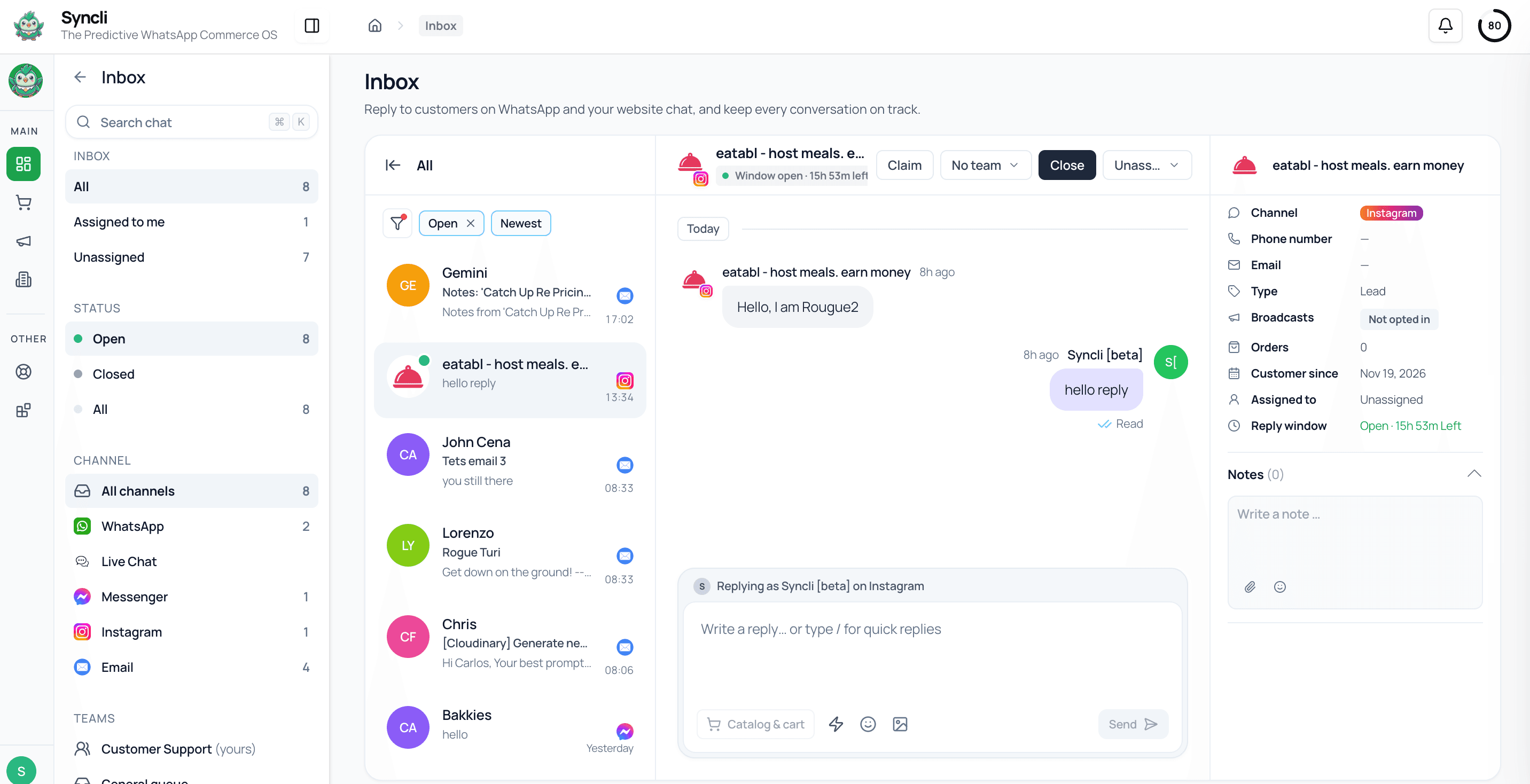
Your Page, connected for you.
We connect your Facebook Page to Syncli during onboarding, so Messenger conversations come into the same inbox as WhatsApp and your other channels.
- Your existing Facebook Page
- Connected with our team
- No developer needed

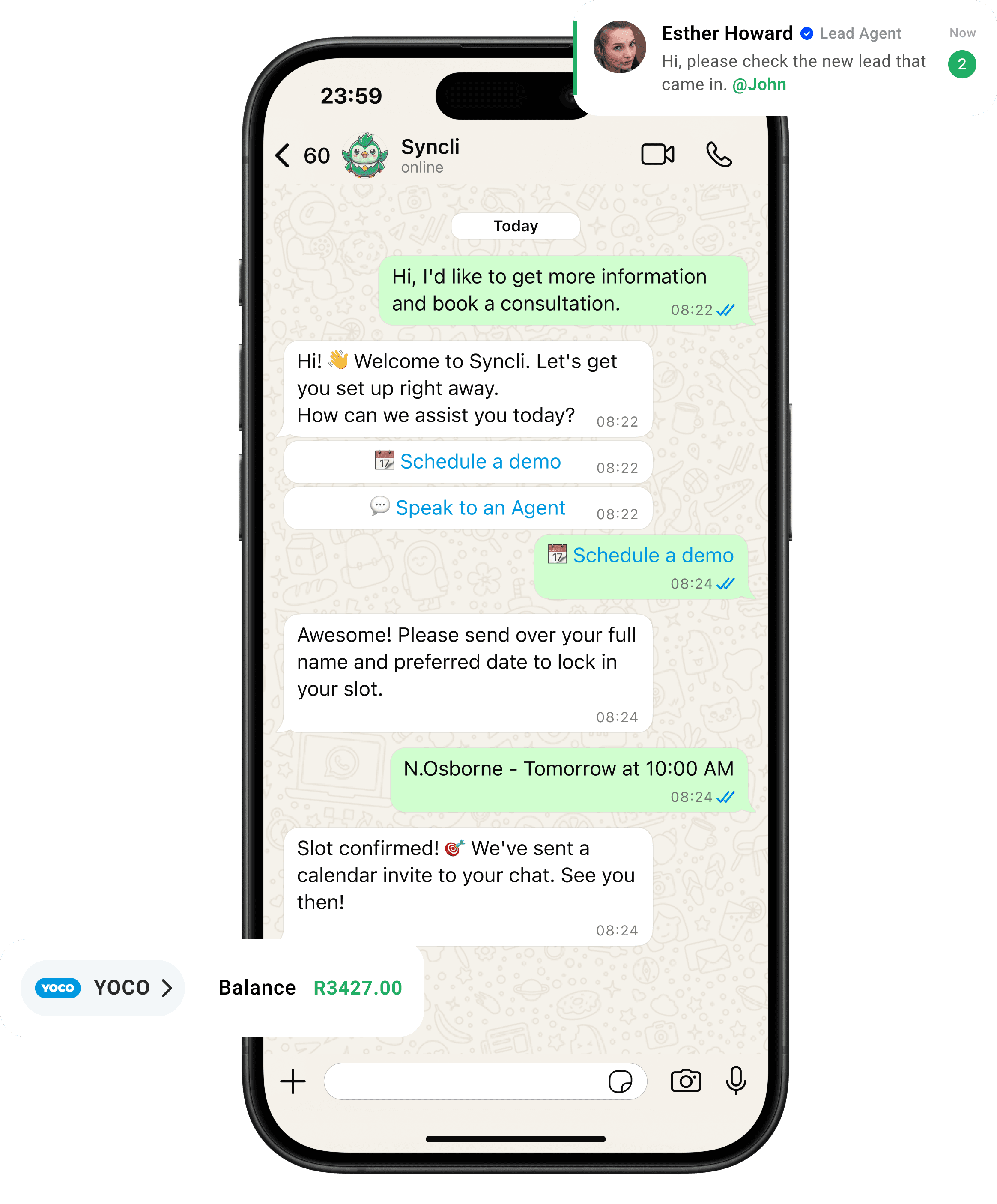
one customer, every channel
The same customer, wherever they message you.
Someone who messages your Facebook Page today may WhatsApp you tomorrow. Syncli keeps both conversations on one contact record, so your team knows who they're talking to.
Your Facebook Page is a front door. Staff it.
Messages to a Facebook Page often sit unread because nobody owns them. Putting Messenger in the team inbox gives every conversation an owner and a quick answer.
- Every message assigned.
- AI on the first reply.
- Messenger in your reporting.
Channels in one inbox

Messenger is still where plenty of customers start
WhatsApp gets most of the attention in South Africa, but plenty of customers still message a business through its Facebook Page. Some found you through a Facebook ad, some through a post shared in a community group, and some simply live on Facebook more than anywhere else.
The trouble is that Messenger is usually handled from a separate app or tab, so it becomes the channel nobody checks. Messages sit for days, and by the time someone answers, the customer has bought elsewhere. Putting Messenger into the same shared inbox as WhatsApp means it gets the same attention as every other channel.
It's also about knowing the customer. The person messaging your Page might already be a WhatsApp customer with three orders behind them, or someone support helped by email last month. When Messenger sits on the same contact record as everything else, your agent can see that and answer accordingly.
What lands in the inbox from Messenger
- Messages to your Facebook Page, from customers who tap Message on your Page or reply to something you posted.
- Click-to-Messenger ad leads. Meta's messaging ads send people who tap the ad straight into a Messenger conversation with your business.
- Follow-ups from existing customers, which sit on the same contact record as their WhatsApp, Instagram, email and web chat conversations.
Each conversation can be answered by the AI agent first, then assigned to a person on the right team, with internal notes and tags your colleagues can see.
Messenger conversations also count in your reporting. Leads, sales and support conversations from your Facebook Page appear in the same dashboards as WhatsApp, Instagram, email and web chat, so you can decide how much effort the Page deserves based on what it brings in.
Messenger's messaging window
Meta limits when a business can reply on Messenger. Its Messenger Platform policy overview describes a standard messaging window that opens when a customer messages you, taps a call-to-action button or reacts to a message. For most actions it lasts 24 hours. If the customer's first message follows a Click-to-Messenger ad, the window can last up to 7 days, and messages inside the window may include promotional content.
Outside the window, Meta allows a Human Agent tag that lets a person reply within 7 days of the customer's message. Meta reserves it for issues that can't be resolved in the standard window, and apps have to be approved before they can use it. It's for support cases that need more time, not for automated follow-ups or sales messages.
The practical lesson is simple: answer quickly. The AI agent gives every Messenger conversation a first reply in seconds, at any hour, and hands the chat to your team while there's still time to help.
Click-to-Messenger ads without the backlog
Click-to-Messenger ads work well for considered purchases, where buyers want to ask a few questions before they commit: furniture, cars, courses, travel, insurance. They also create a lot of conversations very quickly, and an ad lead that waits two hours for a reply is mostly lost.
In Syncli, the AI agent replies to every lead straight away and asks the questions your sales team would ask, such as what they're looking for, their budget and when they want to buy. Ready buyers are routed to the right salesperson or branch with the conversation attached. Messenger leads then show up in the same reporting as your WhatsApp and Instagram leads, so you can compare what each ad channel brings in.
If you run Click-to-WhatsApp ads too, read our guide to Click-to-WhatsApp ads for how they compare.
Plan the first reply with the ad. If the ad offers a test drive, a quote or a price list, the AI agent's first message should deliver exactly that and ask one clear next question. Leads who get a vague greeting tend not to answer, and you've paid for the click either way.
Routing by team, branch and region
Larger businesses often run one national Facebook Page while customers expect help from their local branch. Syncli lets you create unlimited teams, such as sales, support and each branch or region, and route Messenger conversations to the right one. Each agent works from their own login, chats have one owner, and teams see the conversations that belong to them.
Quick-reply templates keep answers consistent, so a customer gets the same delivery times from the Durban team as from head office. Managers see the whole queue across every channel, and can tell at a glance whether Messenger is being answered as quickly as WhatsApp.
When a staff member moves on, their conversations stay with the business, with the customer's history intact for whoever picks up next.
Getting set up, and what it costs
You need a Facebook Page for your business. Our onboarding team connects it to Syncli with you, alongside your WhatsApp number, Instagram account and other channels, and sets up teams, routing and the AI agent.
- Admin access to your Facebook Page, so it can be connected.
- Your teams and branches, so Messenger chats can be routed the same way as your other channels.
- Your most common questions, so the AI agent can answer them from day one.
Syncli is priced in rand with unlimited seats on every plan. Pro starts at R1,800 a month excluding VAT, and Business, from R5,300 a month, adds AI agents and free onboarding. Meta's WhatsApp message fees are passed on at cost. See pricing.
See Messenger working in the Syncli inbox.
Book a private strategy review and we'll show you how your Facebook Page, WhatsApp and other channels come together for your teams.

- Personalised walkthrough
- Routing planned for your teams
- No commitment
FAQs
Questions about Facebook Messenger.
Yes. Syncli connects your Facebook Page so Messenger conversations land in the same shared inbox as WhatsApp, Instagram, email and live chat, linked to one contact profile per customer.
Compare
Syncli vs answering Messenger on its own
 Page inbox alone