

Published in Marketing
Click-to-WhatsApp ads: how to set them up and turn chats into sales

By Lyle Timotheus · 10 min read
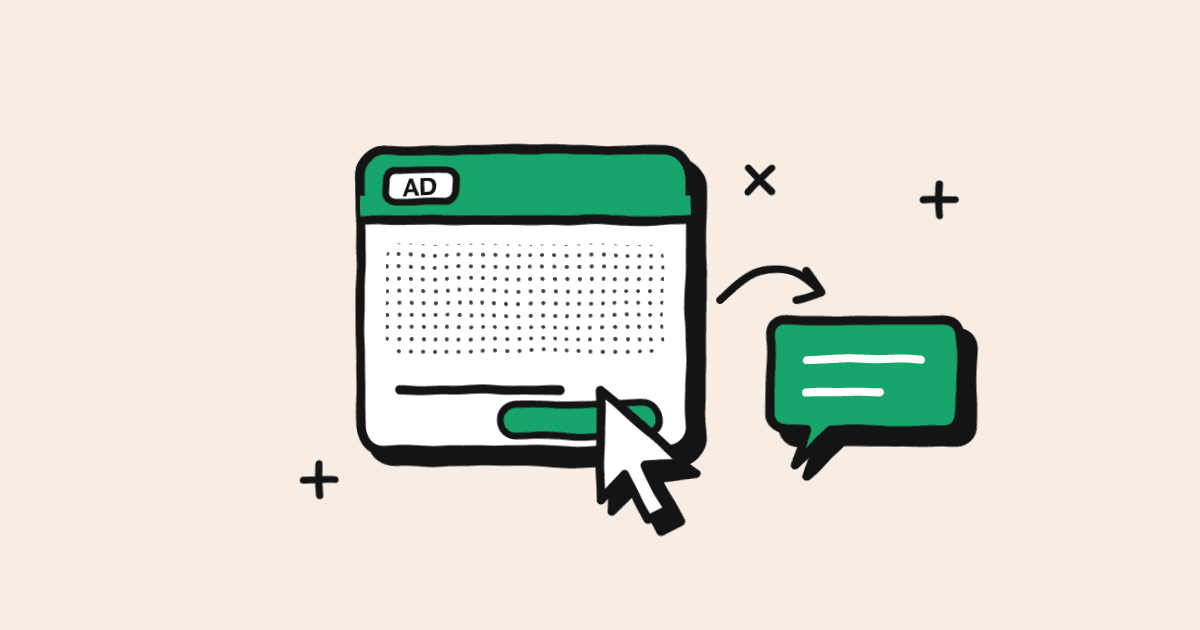
Click-to-WhatsApp ads are Facebook and Instagram ads with a button that opens a WhatsApp chat with your business, instead of a landing page or a lead form. Once your team replies, Meta doesn't charge for the messages you send that person for up to 7 days, which makes them one of the cheapest ways to start a sales conversation at scale.
I build the systems that sit behind these ads, so this guide is written from the inbox side. Launching the ad is the easy part. The results depend on what happens after the tap: which team gets the chat, how fast someone answers when hundreds arrive in a morning, whether you can trace a sale back to the ad that started it, and whether that customer hears from you again.
Where Click-to-WhatsApp ads fit in the customer journey
These ads are the front door. The person sees your ad in their Facebook or Instagram feed, Stories or Reels, taps the button and lands in a WhatsApp chat with your number. Your greeting is there and a message is already typed in their box. When they press send, you have their name, their WhatsApp number and a 24-hour window to reply.
Until they press send, you have nothing. A tap is a click you paid for, and the conversation only starts when the customer sends that first message.
From there the journey looks like this:
- Capture: the ad starts the chat and tells you which campaign it came from.
- Qualify and route: an automated flow or AI agent finds out what they want and where they are, then hands the chat to the right branch or team.
- Convert: a salesperson quotes, answers questions and sends a payment link, all in the same chat.
- Retain: order updates, reminders and offers to customers who agreed to hear from you bring them back.
Meta also offers multi-destination messaging ads, where Meta opens the chat in WhatsApp, Messenger or Instagram, depending on which app the person is most likely to reply from. If you run those, every channel needs to land somewhere your team actually works, ideally the same inbox.
What you need before you launch
- A Facebook Page with admin access, and your WhatsApp Business number connected to that Page. For Instagram or multi-destination ads, connect your Instagram business account too.
- A Meta ad account with a working payment method.
- The WhatsApp Business API rather than the Business app. The app works for a single person on one phone. Once several agents answer from one number, you need the API to assign chats, automate replies and read which ad each chat came from.
- One clear offer per ad. "Ask us anything" brings chats that go nowhere. "Get a quote on the Oak couch this week" brings chats your team can close.
- A plan for who answers, during which hours, for which regions or products.
How to set up a Click-to-WhatsApp ad in Ads Manager
Meta's walkthrough for creating ads that click to WhatsApp follows these steps. Meta renames things in Ads Manager from time to time, so the labels on your screen may differ slightly.
- Step 1: In Ads Manager, click Create.
- Step 2: Pick a campaign objective. Engagement, Leads, Sales and Traffic all support a WhatsApp destination, according to Meta's developer documentation. For a first campaign I'd start with Engagement and aim for conversations.
- Step 3: Name the campaign and move to the ad set.
- Step 4: Under conversion location, choose Messaging apps, then select WhatsApp and your connected number.
- Step 5: Set the schedule and budget. Meta recommends running the ad for at least seven days.
- Step 6: Choose your audience. Meta suggests audiences of roughly 2 to 10 million people perform best. If you only serve certain regions, split campaigns by region so each one can route to its own team.
- Step 7: Build the ad: format, images or video, primary text and headline.
- Step 8: Set up the message the person sees in WhatsApp (covered below), then publish.
Meta's free 7-day window and per-message pricing
Since 1 July 2025 Meta charges per delivered message, based on the message category and the customer's country. For South African numbers, for example, a marketing message costs $0.0379 and a utility message $0.0095, and from 1 October 2026 service replies are only free for the first 1,000 a month per number. Our WhatsApp API pricing guide has the full picture.
Click-to-WhatsApp ads sit outside most of that. According to Meta's pricing documentation, when a customer messages you from one of these ads and you reply within the 24-hour customer service window, a free entry point window opens from the moment you reply. It can stay open for up to 7 days, and while it's open Meta doesn't charge for marketing, utility, authentication or service messages to that person.
The conditions:
- The customer has to message you from the WhatsApp app on an Android phone or iPhone. Chats started from WhatsApp Web or desktop don't qualify.
- You have to reply within 24 hours, or the window never opens.
- The window belongs to your business and that customer, so any agent replying from the same number benefits.
- Messages from Meta's own Business Agent are still charged inside the window.
You'll still see 72 hours quoted in older articles. That was the length of a free entry point conversation under Meta's old conversation-based pricing. Meta's current documentation says up to 7 days.
| What happens | Meta charge |
|---|---|
| Customer taps the ad and sends the first message | Free |
| Your team replies within 24 hours, then sends a quote, photos and a payment link over the next few days | Free while the window is open (up to 7 days) |
| You send that customer a promotional template three weeks later | Marketing rate |
| They message again later and an agent replies | Service message: free within 1,000 a month per number, then charged |
What to put in the welcome message and ice breakers
If you change nothing, the customer sees Meta's default text: "Hello! Can I get more info on this?" That tells your team nothing about what they want or where they are. Meta gives you a few ways to set up that first screen:
- A greeting plus a prefilled message. The message they'll send is already typed, and they can edit it.
- Ice breakers. A short list of questions the person can tap. Each tap sends that question as their first message.
- A WhatsApp Flow. A simple one-screen form inside WhatsApp that collects details up front.
At volume, ice breakers do double duty: they start the chat and they route it. Some examples:
| Ad | Prefilled message | Ice breakers (and where they route) |
|---|---|---|
| Furniture retailer, summer sale | Hi, I saw the Oak couch on sale. Is it in stock? | Price and sizes (AI agent) / Delivery to my area (logistics) / Visit a showroom (nearest branch) |
| Dental group, whitening special | Hi, I'd like to book the whitening special. | Book a time (booking flow) / What does it cost? (AI agent) / Speak to the practice (front desk) |
| Private school group, open day | Hi, I'd like to attend the open day. | Book my spot (booking flow) / Fees for 2027 (admissions) / Which campus is closest? (campus team) |
Two more rules. Repeat the ad's offer in the prefilled message so the agent knows what the customer saw. And if your platform sends its own welcome message, keep the ad greeting short or empty. We see teams double up all the time, and the customer gets two hellos before anyone says anything useful.
Routing and response time at volume
Someone who taps your ad is on their phone right now, and they may tap a competitor's ad next. When a campaign is working, hundreds of these chats can arrive in a morning, and the ones that wait until after lunch go cold.
What I'd put in place:
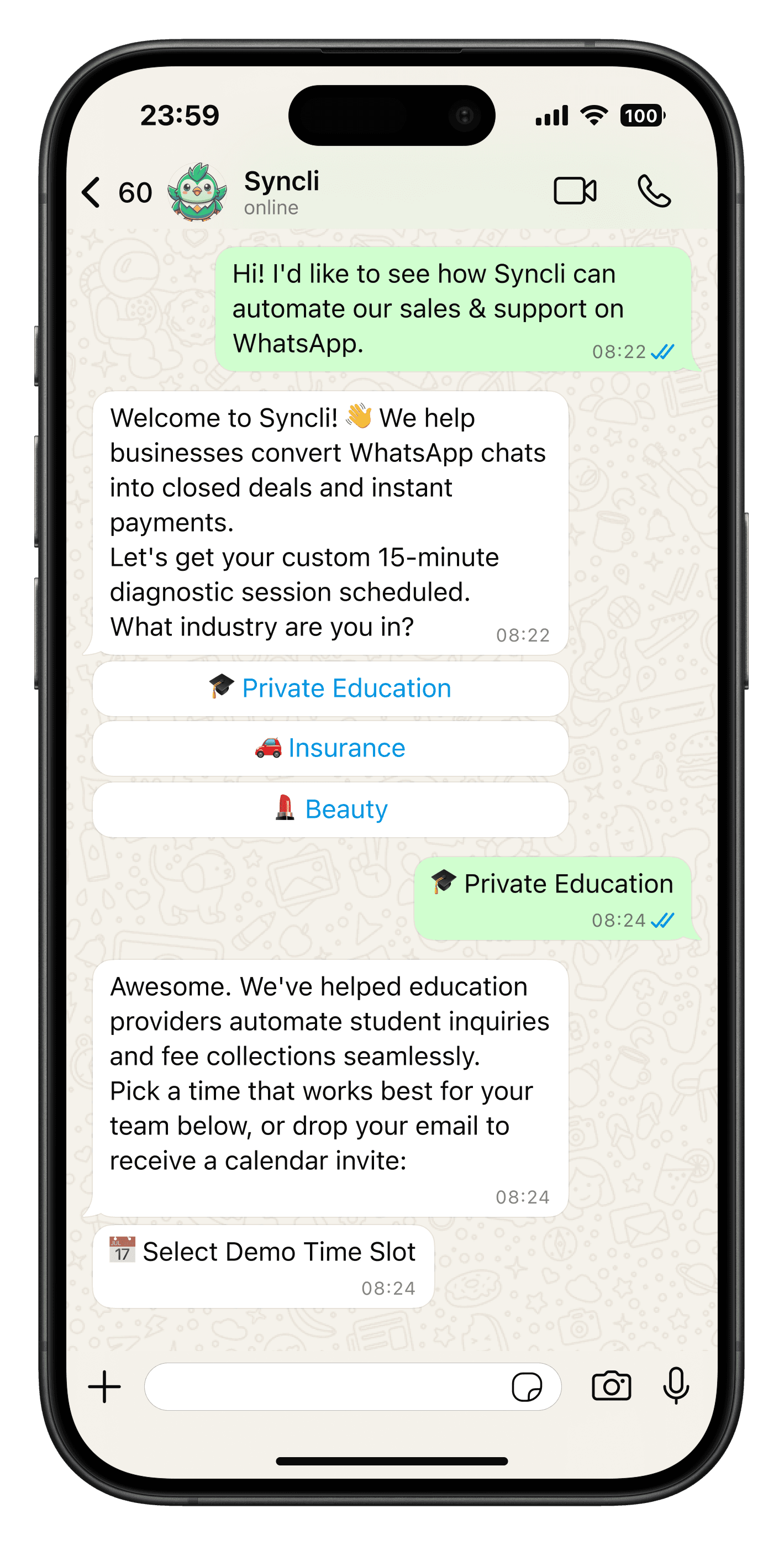
- An instant first reply. A short automated flow asks two or three qualifying questions: product, area, timing.
- An AI agent for the repeat questions. Price, stock, delivery and hours, answered from your own information at 10pm on a Sunday as well. See the AI chatbot.
- Routing rules. Send chats to the right branch, region or product team based on the campaign or the answers in the flow.
- A shared inbox with assignment. Agents work from one team inbox, see who owns each chat and pick up the next one, rather than three people answering the same customer.
- Response-time reporting by team. If one branch takes an hour to reply, you want to know before the campaign budget runs out.
Keep the bot short and always offer a way to reach a person. In Syncli, the welcome flow tags each lead by campaign and the chat moves to a salesperson in the inbox when it's ready, which is how most of our sales teams run it.
How to track which ad produced which lead and sale
Ads Manager tells you how many conversations each ad started. It doesn't tell you which of those people paid. Without that, you're choosing ads on the wrong number.
On the WhatsApp Business API, the first message from an ad arrives with a referral object that includes the ad ID, the ad's headline and text, and a click ID (ctwa_clid). One catch: Meta leaves the click ID out for chats that start from ads in WhatsApp Status.
How I'd set it up:
- Tag each contact with the ad and campaign when the first message arrives.
- Move the lead through stages in the inbox or your CRM: new, qualified, quoted, won or lost.
- Record the sale against the contact, with the amount, when they pay.
- Send the result back to Meta. The Conversions API for Business Messaging accepts events such as LeadSubmitted, QualifiedLead and Purchase, matched by the click ID. That gives Meta the data to find more people like your buyers, and makes purchase optimisation available for these ads.
Once that's in place the sums are easy. An illustration with round numbers, not a benchmark:
| Ad A | Ad B | |
|---|---|---|
| Spend | R20,000 | R20,000 |
| Chats started | 1,000 | 500 |
| Cost per chat | R20 | R40 |
| Sales | 20 | 50 |
| Cost per sale | R1,000 | R400 |
On cost per chat, Ad A looks twice as good. On cost per sale, Ad B wins easily. Without sales traced back to the ad, most teams would switch off the better one.
After the sale: retention
The chat a customer started from your ad is also the channel you'll use to keep them. Order confirmations, delivery updates and booking reminders go out as utility messages. Ask in the conversation whether they'd like offers on WhatsApp, record the answer, and those who say yes can join your broadcasts. A chat from an ad isn't permission to send promotions forever.
This is where ads and broadcasts work together: ads bring in new people, and broadcasts sell to the opted-in list you've built. The WhatsApp for marketing page shows how that fits together, and our guide to WhatsApp message templates covers what you can send once the free window closes.
How much to spend: test before you scale
I won't give you a rand-per-lead figure, because I haven't seen one that holds across industries, audiences and seasons. A couch in December and a dental check-up in February behave nothing alike. What I'd do instead:
- Pick one offer and make two or three versions of the ad (different image, different hook).
- Start with a budget your team can answer properly. Doubling spend before the inbox can keep up only buys slower replies.
- Run it for at least seven days, as Meta recommends, before judging.
- Judge on cost per qualified lead and cost per sale. Clicks and chats are early signals.
- Move budget to the winner and test a new challenger against it, region by region if you route by region.
Common mistakes
- Launching a campaign the team doesn't know about. If agents learn about the ad from the flood of chats, replies will be slow and you'll lose the free window for anyone who waited over 24 hours.
- Pointing ads at a salesperson's personal WhatsApp. When they leave, the leads and the history go with them.
- Leaving the default greeting. Nobody can tell which product or branch the customer wants.
- One queue for every region. A Cape Town customer waiting for a Pretoria agent to notice them is a lost sale.
- Adding every ad lead to broadcasts. Ask first, keep a record of who said yes.
Where to start
Ads are one entry point. A WhatsApp button or chat widget on your website catches the visitors who are already looking, and both should land in the same inbox as your Instagram, Messenger and email conversations, so the customer's history is in one place whichever way they come in.
If you'd like a second opinion on your ad setup and the routing behind it, book a private strategy review. We'll look at what you're running and tell you honestly what we'd change. Syncli plans start from R1,800 a month, with Meta's message fees passed on at cost.
Frequently asked questions
No. You pay Meta for the ad itself, like any Facebook or Instagram ad. What's free is the messaging afterwards: if the customer messages you from the ad on their phone and you reply within 24 hours, Meta doesn't charge for the messages you send that person for up to 7 days.