







Website live chat that lands in your team inbox
Add a chat widget to your website. The AI agent answers visitors first, hands over to a person when it should, and every chat sits next to the customer's WhatsApp, Instagram and email history.


 100+
Trusted by 100+ brands
 We finished 7th in Cape Town
 Approved by Meta for the official WhatsApp API
 Your customer data handled under SA law


Queries automated
Most customer questions repeat, on every channel, so let AI answer them
Faster first response
How live chat works in Syncli
From the first question on your website to a person on your team.
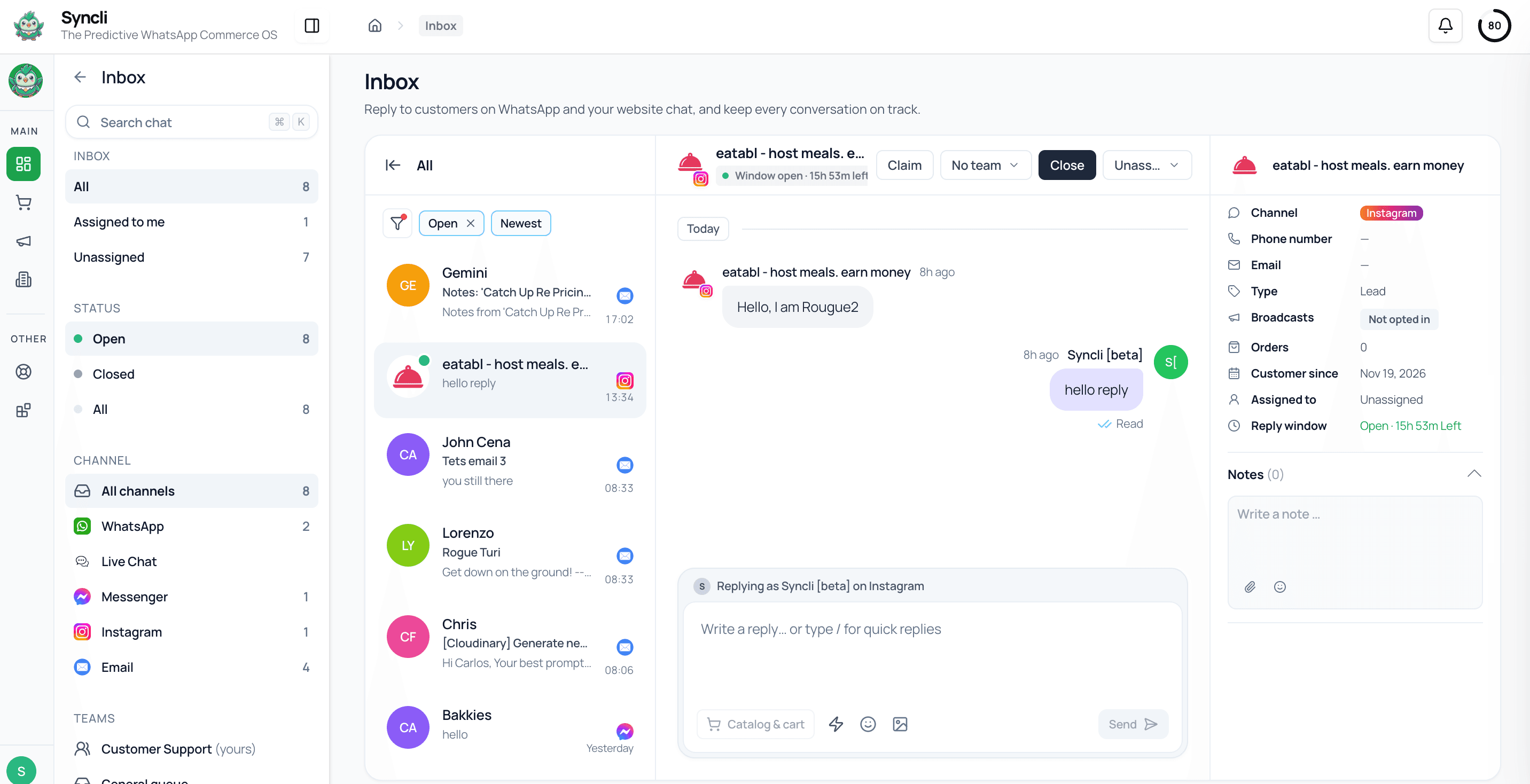
Your website, open for conversation.
Add the Syncli chat widget to your website and visitors can start a conversation from the page they're on. It's included on every plan.
- Included on every plan
- Set up with our team
- Lands in the same inbox


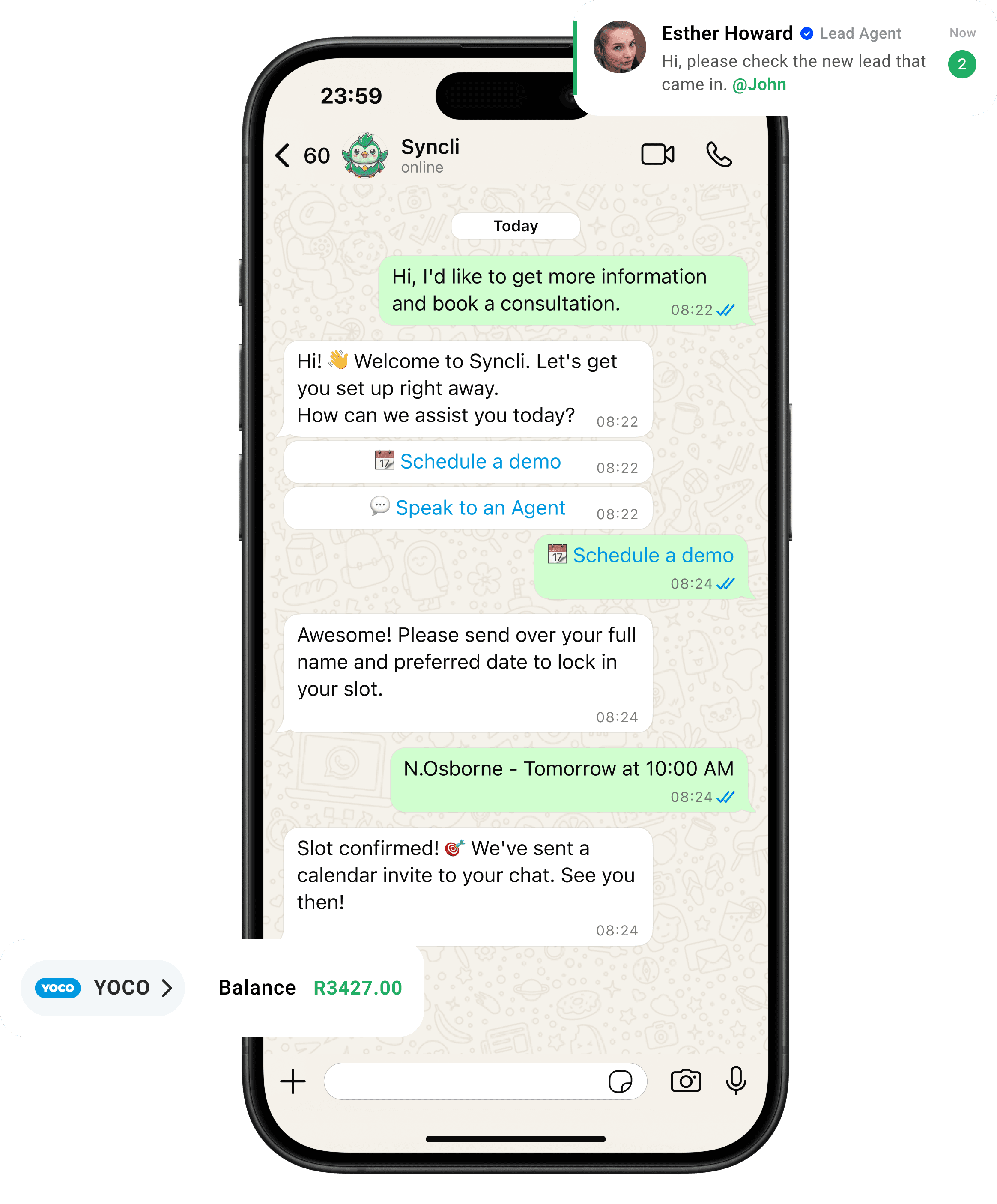
one customer, every channel
Website visitors, in the same inbox as everyone else.
A visitor asks a question on your website, then WhatsApps you the next day. Syncli keeps both conversations on one contact record, so your team picks up where the last chat left off.
A website that answers back.
Contact forms make buyers wait, and many never hear back. A chat widget with an AI agent behind it answers in seconds and gets the visitor to a person while they're still on your site.
- Answers in seconds.
- A person when it matters.
- Every chat on record.
Channels in one inbox

Why add live chat if customers already use WhatsApp
WhatsApp is where most South African customers want to talk to you, and a WhatsApp button on your website is worth having. Our guide to adding a WhatsApp button to your website covers how. But not every visitor wants to switch apps. Someone browsing on a work laptop, comparing three suppliers, or not ready to share their number will often ignore the button and leave.
A chat widget catches those visitors on the page they're reading, at the moment they have a question. The difference with Syncli is where the chat goes: into the same team inbox as WhatsApp, Instagram, Messenger and email, so web chat is handled by the same people with the same tools.
A separate chat tool solves half the problem. It gives visitors somewhere to type, but it adds another dashboard, another login and another place where customer history lives. When the same customer contacts you on WhatsApp next week, your agent has no idea they spoke to you on the website. Keeping everything in one inbox avoids that.
AI first, then a person
Most website questions repeat: do you have this in stock, how much is delivery, what are your hours, can I book for Saturday. The AI agent answers those in seconds from your own information, at any hour, so a visitor at 10pm gets the same answer as one at 10am.
For sales, the AI agent can also qualify. It asks what the visitor is looking for, their budget and when they want to buy, then routes ready buyers to a salesperson with those answers already captured. Your sales team starts the conversation knowing what the visitor wants.
When the conversation needs judgement, such as a complaint, a large order or a quote, the AI agent hands it to the right team with the conversation so far. Your agent sees what was asked and what the AI said, and carries on without making the visitor repeat themselves.
Set the AI agent up with the questions your team answers most, your policies, and the point at which a human should step in. A good rule is that anything involving money that's already been paid, an unhappy customer or a decision outside your policies goes to a person. Everything else the AI agent can handle, at any hour.
Visitors who leave and come back
People rarely buy on the first visit. They ask a question, get pulled into a meeting, and come back the next day. In Syncli, a website chat doesn't vanish when the tab closes. The conversation stays in your inbox and on the visitor's contact record, and they can carry on later.
If the same person later messages you on WhatsApp or sends an email, that conversation joins the same history. Your team sees one customer, from the first website question to the paid order and every support query after it.
That joined-up history is what makes follow-up possible. A salesperson can see that a visitor asked about a product on Tuesday and emailed about delivery on Thursday, and pick up the conversation knowing both.
Routing website chats to the right team
On a busy website, chats cover everything from pre-sales questions to delivery problems. Syncli routes them the same way it routes every other channel: to sales, support or a particular branch or region, with one owner per conversation. Teams see the chats that belong to them, and managers see the whole queue.
That matters most for businesses with several branches. A visitor asking about a showroom or clinic near them can be routed to that branch, which answers on web chat today and on WhatsApp tomorrow from the same inbox.
Quick-reply templates keep answers consistent across agents and branches, so a visitor gets the same delivery times and returns policy whoever picks up the chat.
Measuring what your website chats bring in
Because web chat sits alongside every other channel, it shows up in the same dashboards. You can see leads, sales and support conversations from your website next to WhatsApp, Instagram, Messenger and email, and work out which channels bring in buyers and which bring in support work.
That helps with staffing too. If most website chats arrive in the evening, you can lean on the AI agent after hours and keep people on the busy daytime channels. If web chat turns out to bring in your best leads, you know it's worth putting a salesperson on it.
Getting set up, and what it costs
Live chat is included on every Syncli plan. Our onboarding team helps you add the widget to your website, connect your other channels, and set up teams, routing and the AI agent.
- Access to your website, or whoever manages it, so the widget can be added.
- Your teams and branches, so website chats can be routed the same way as your other channels.
- Your most common questions and policies, so the AI agent can answer from day one.
Syncli is priced in rand with unlimited seats. Pro starts at R1,800 a month excluding VAT and includes WhatsApp, live chat and an online store. Business, from R5,300 a month, adds AI agents and free onboarding. Meta's WhatsApp message fees are passed on at cost. See pricing.
See live chat working on your website.
Book a private strategy review and we'll show you the chat widget, the AI agent and handover to your team, alongside WhatsApp and your other channels.

- Personalised walkthrough
- AI agent on your own questions
- No commitment
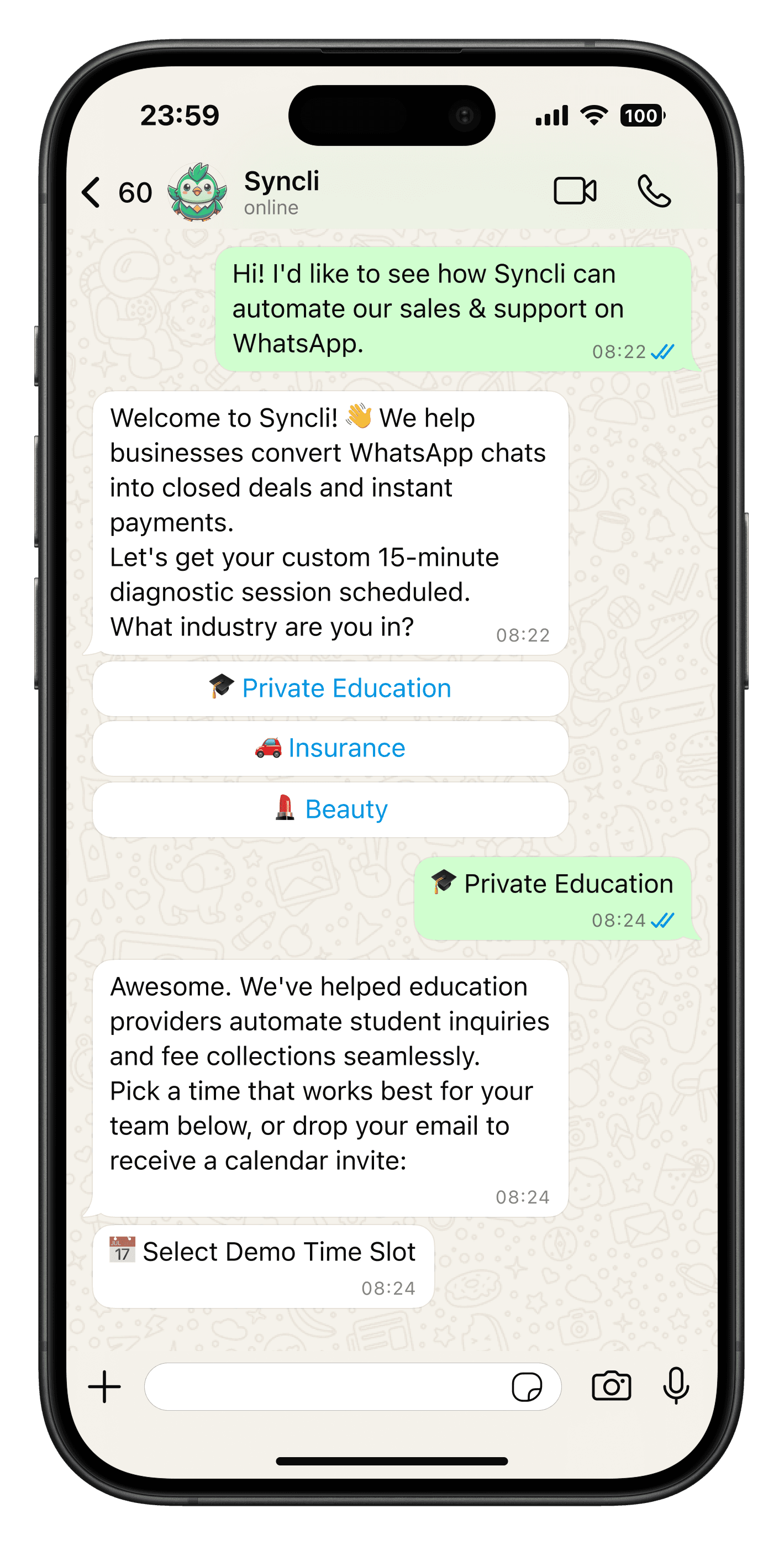
FAQs
Questions about Live chat.
Yes. The website chat widget is included on every plan, from Pro at R1,800 a month excluding VAT, and chats land in the same inbox as WhatsApp and your other channels.
Compare
Syncli live chat vs a separate chat tool
 Separate chat tool