



WhatsApp Business for Car Dealerships
Route vehicle leads to the right dealership, book test drives and service, and collect finance documents for every brand in your group on WhatsApp.


 100+
Trusted by 100+ brands
 We finished 7th in Cape Town
 Approved by Meta for the official WhatsApp API
 Your customer data handled under SA law

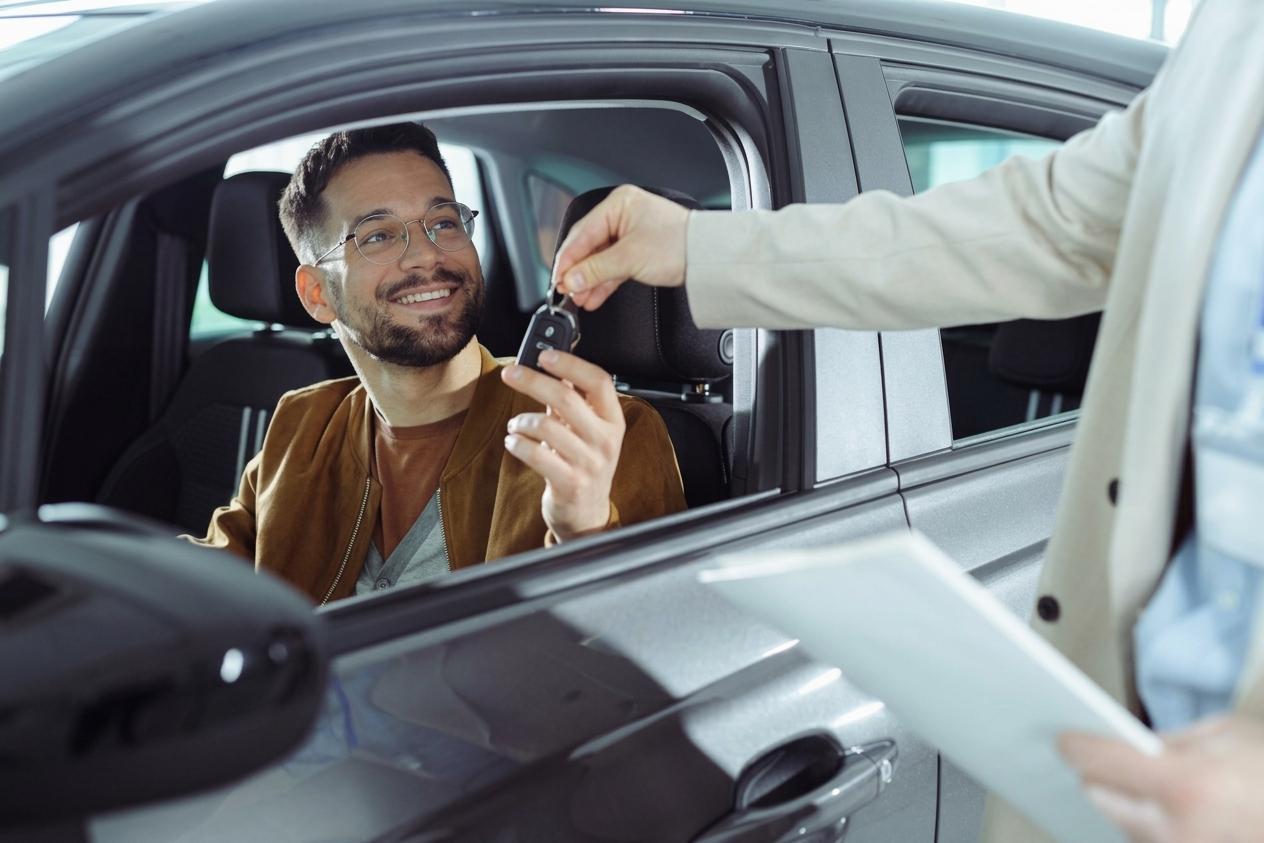
Test drives booked
Follow-ups land where buyers actually read them
Faster sales cycle
How dealer groups use Syncli
For dealer groups with several franchises, a busy sales floor, an F&I desk and a service department that all need the same customer.
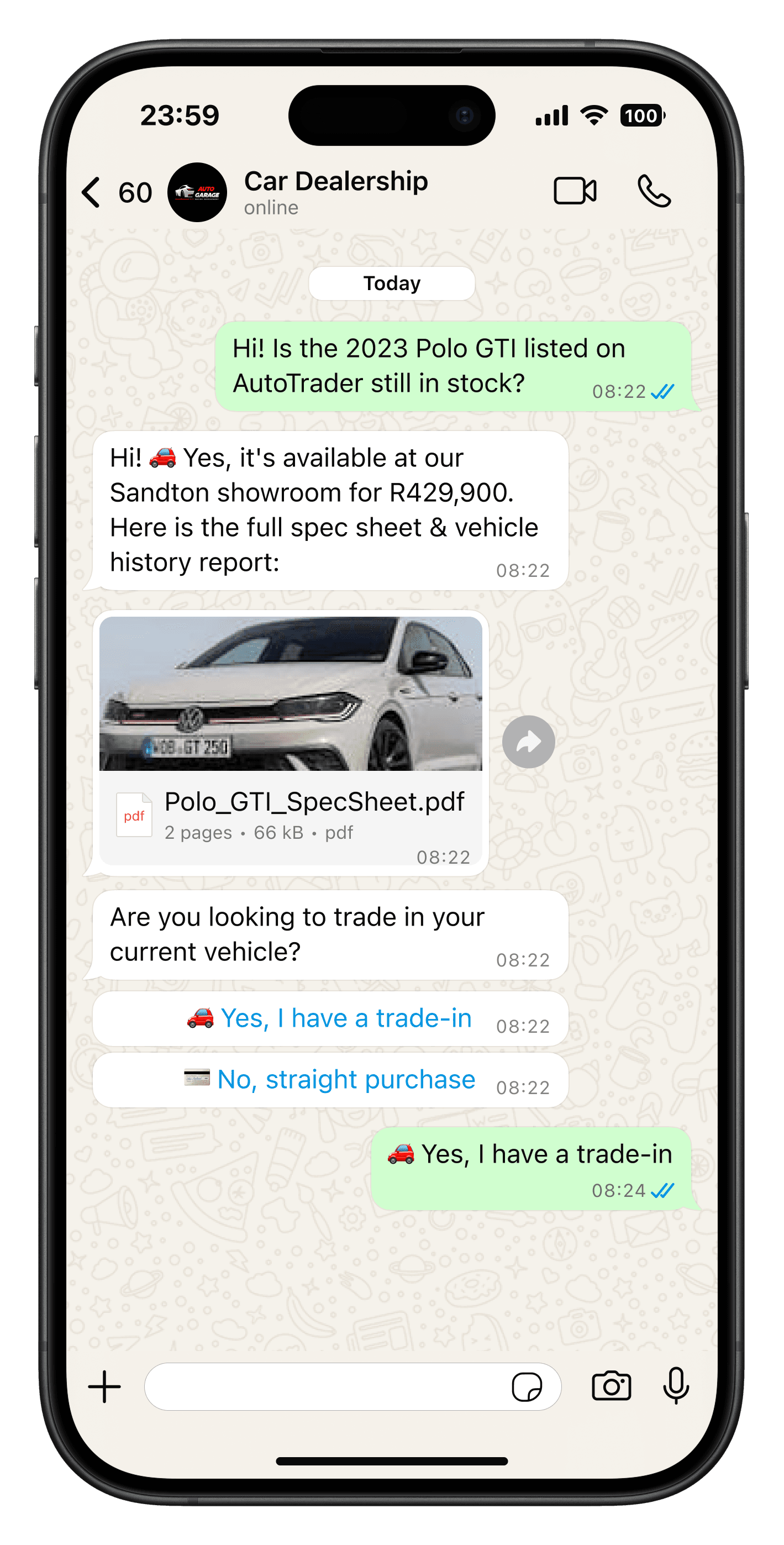
Beat the dealer down the road.
Buyers message several dealers at once. The AI agent replies the moment a lead comes in with spec sheets, pricing options and a trade-in form, then routes the buyer to a salesperson at the right dealership.
- Instant replies to vehicle leads
- Trade-in and finance questions captured
- Leads routed by brand and dealership

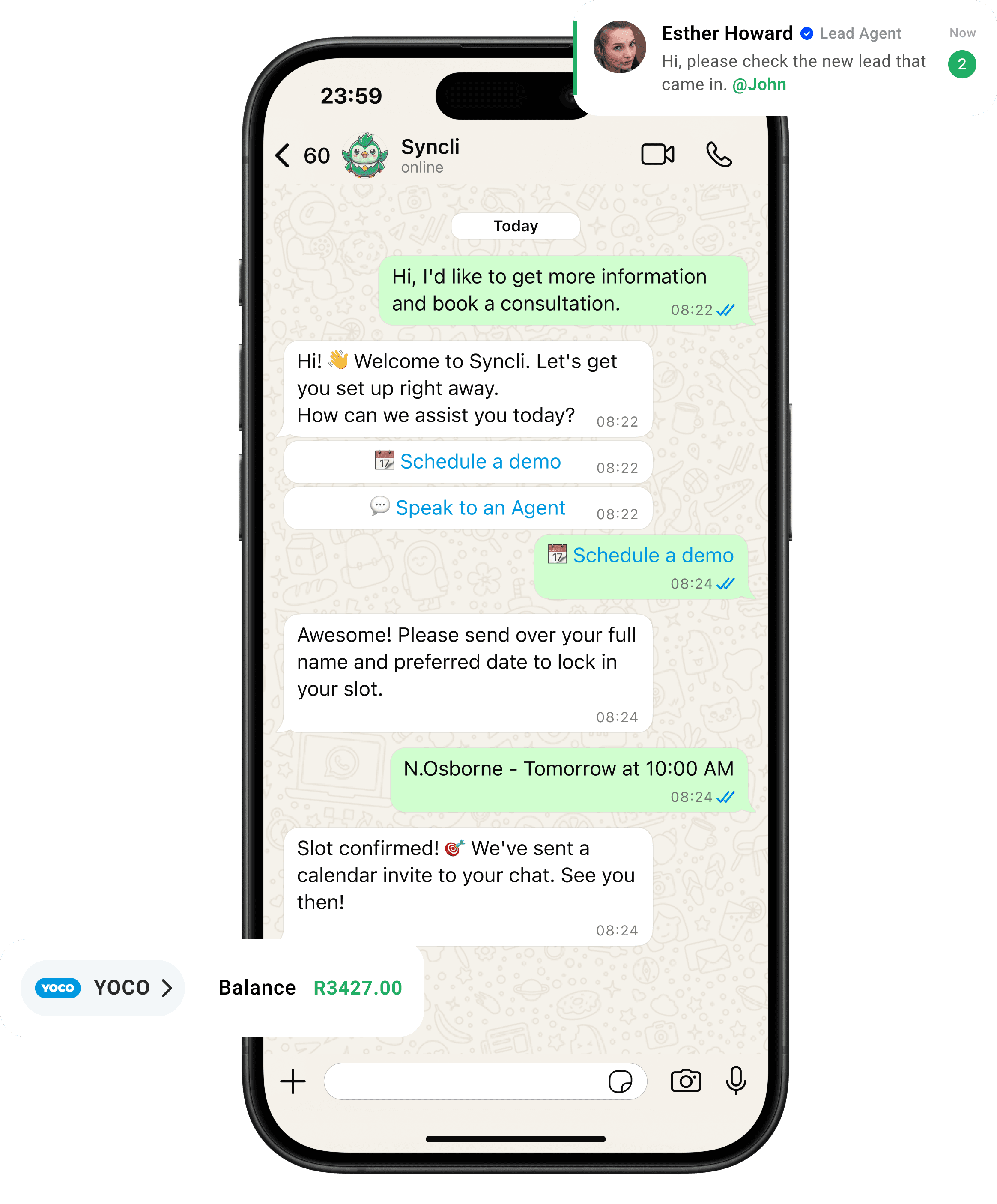
from chat to checkout
The shortest line between 'Hello' and 'Done.'
Your customers are already on WhatsApp, don't send them away to slow contact forms or email threads. Syncli keeps the entire journey inside the chat, making it seamless for leads to qualify, decide, and pay in seconds.
Clear up the chat chaos.
Replace scattered phones and delayed replies with one smart shared inbox. Let automated flows tackle repeat questions so your team can focus on personal, high-value conversations.
- Zero Lag: Reply in seconds, not hours.
- Seamless Handoffs: Route chats to the right agent.
- Full Context: See past interactions at a glance.
WhatsApp open rate

From vehicle lead to test drive on WhatsApp
Vehicle buyers contact several dealers at once, from portals, social media and your website. The dealership that replies first with useful information usually gets the test drive. Syncli answers every lead in seconds and moves it towards the showroom.
- Instant lead response: the AI agent sends spec sheets, pricing options and a trade-in form the moment a buyer messages, at any hour.
- Qualification and routing: chat flows capture budget, finance and trade-in details, then route the lead to the right brand, dealership and salesperson.
- Test drives: buyers pick a slot in WhatsApp, share licence details and get a location pin and reminder.
- Finance documents: payslips and ID documents are collected in the chat for pre-approval, instead of by email.
One group, one number, every department
Dealer groups run new and used sales, F&I and service from different desks, often across several franchises. In Syncli each is a team in the shared inbox, chats are routed to the right one, and each customer's full history stays in view. Dealer principals and sales managers see every open conversation, and when a salesperson moves on, their leads stay with the group.
Every plan includes unlimited seats, so the whole sales floor and every service adviser can be added. Leads and conversations can sync to Salesforce if your group runs its pipeline there.
After the sale: service and the next car
Service bookings, job-status updates and payment links run on the same number the customer bought from, so the relationship does not reset at handover. Broadcasts with Meta-approved templates send new stock and trade-up offers to opted-in past buyers. Plans start at R1,800/month; see pricing, or read the case studies.
WhatsApp for car dealers: what to automate first
Dealers get the most from WhatsApp by automating the moments where leads usually go cold. In order of impact:
- Lead response. An instant reply to every vehicle enquiry, with spec sheets, pricing options and a trade-in form, before the buyer hears from another dealer.
- Test-drive reminders. Automatic reminders with the location pin, so booked buyers actually arrive.
- Finance documents. A flow that asks for payslips and ID in the chat, so the F&I desk isn't waiting on emails.
- Service reminders. Reminders and job updates that bring owners back to your workshop instead of an independent one.
Each of these runs on the WhatsApp automation tools every Syncli plan includes, with your sales team taking over the moment a buyer is ready to talk.
Leads from ads and portals, all in one place
Most dealer groups pay for leads from several places at once: Facebook and Instagram ads, vehicle portals and their own website. With Click-to-WhatsApp ads, a buyer taps the ad and a WhatsApp chat opens, and Meta doesn't charge for your messages for up to 7 days after they reply. Portal and website leads can be sent to WhatsApp too.
In Syncli every one of those chats lands in the same shared inbox, tagged by source and routed by brand and dealership, so a sales manager can see which campaigns produce test drives, not just enquiries. If your group runs its pipeline in Salesforce, HubSpot, Zoho CRM or Pipedrive, leads and conversations can sync there through our CRM integrations.
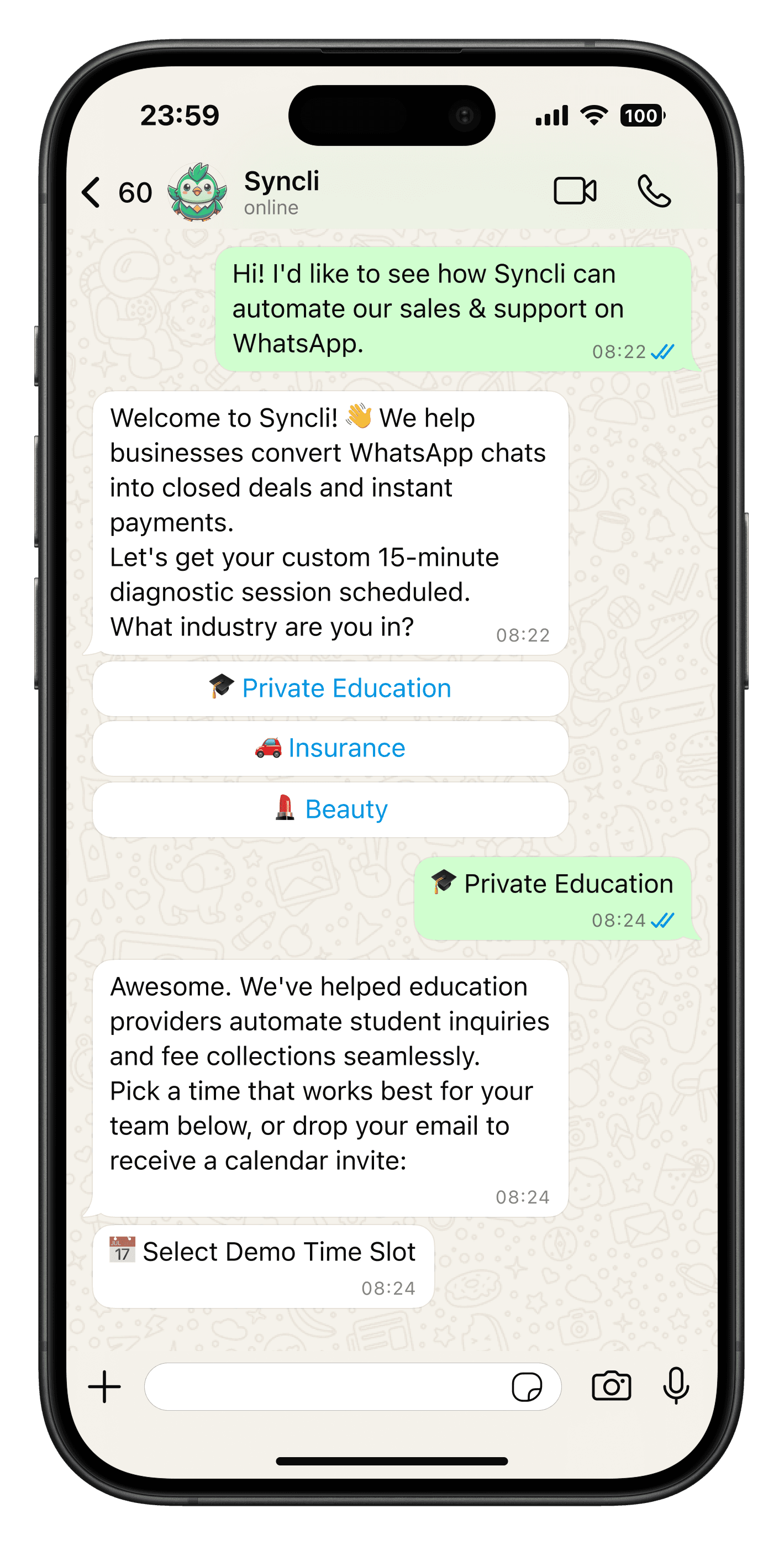
See how Syncli works for your industry.
Book a 30-minute call and we'll show you how to capture more leads, close more sales and support customers, all from WhatsApp.

- Personalised walkthrough
- Tailored to your industry
- No commitment
FAQs
Questions about WhatsApp for Car Dealerships.
Answer every portal, ad and website lead within seconds with an automated WhatsApp reply that shares spec sheets and pricing options. Syncli captures trade-in and finance questions in the same flow and routes the lead to the right dealership and salesperson, so buyers get answers even when the sales floor is busy.
Compare Syncli
How does Syncli stack up?
 The old way